
Business automationfor the work your team repeats by hand.
Quotes typed from the job sheet, invoices raised from the quote, the same customer entered into three systems, approvals in a text thread, a report assembled every month by the one person who knows how. None of it is a decision. All of it can run on its own.
I'm James Webb, founder of LINK. I automated the group's own nine businesses - replacing about $40,000 a year of software on the way - and I do the same for clients: connecting what you already run, and building what no product sells.
One job, two ways
By hand
- Re-type the enquiry into the CRM
- Build the quote in a spreadsheet
- Chase it when you remember
- Text the boss for the discount
- Re-key the job into scheduling
- Raise the invoice a fortnight late
Automated
- Enquiry lands as a record, routed to the right person
- Quote priced from the rate card, sent
- Chased on day three, and day seven
- Discount routed for approval, with a reason
- Confirmed quote becomes the job
- Invoice raised when the work earns it
The decisions stay with people. Everything around them runs on its own.
Business process automation, in the order it usually pays.
Operations, not marketing: the steps between winning the work and being paid for it. Workflow automation services tend to start with whatever is loudest; the better order is whatever is re-keyed most.
Quoting
The quote built from the job, priced from the rate card, sent and chased - and turning into the job and the invoice without being typed three times.
Invoicing
Deposits, progress claims and finals raised when the work reaches the stage that earns them, landing in Xero without a Friday afternoon of data entry.
Job flow
A job moving from enquiry to quoted to confirmed to delivered with every stage meaning one thing, and the next person told it is their move.
Approvals
Spend, discounts, credits and changes routed to the person who can say yes, with a record of who did and why - instead of a text message nobody can find.
Data re-keying
The same customer, the same order, the same hours typed into two systems by one person. The automation most businesses need first.
Reporting
The numbers assembled on their own, on a schedule, from the systems that hold them - so 'how are we going?' is a glance rather than a day.
Onboarding
A new client or a new staff member set up everywhere they need to be, with the checklist tracking itself rather than living in someone's head.
Follow-ups
Quotes chased, shifts confirmed, documents requested, overdue invoices nudged - on time, every time, in your voice, with a human in the loop where it matters.
Most automation is connecting what you already have.
Connect
Xero, the CRM, the job system, the calendar - most have an API, and most of the re-keying in a business is two of them not talking. The cheapest fix, and the first one.
Buy
Sometimes the answer is a product. If your process is close to what a product already does, buy it - that is cheaper than anything I would build, and you will hear it in the first conversation.
Build
When the logic is yours - a checklist that re-dates itself, an approval with a reason, a pipeline that flags a stalled job - it gets built on a real database, and you own it. Custom software →
Automation I've built and is running now.
Across my own platforms, LINK's nine businesses and clients'. Each of these is a real process that a person used to carry out.
Eventman · events
Checklists that re-date themselves
Every event carries the operator's own requirement checklist. Move the event and every due date moves with it; the customer confirms numbers and picks options on a portal link, and the office checklist ticks itself off. A daily digest says what is outstanding before anyone asks.
Pre-launch
FEUM · finance
Approvals as the system, not a step
Deposits never trigger purchases. Every buy, every transfer and every admin action needs an explicit approval with a reason and a re-authentication - the rule the whole platform is built around, in paper mode with simulated funds.
Invite-only · paper mode
Recruited · recruitment
A pipeline that flags itself
Candidates sitting too long in a stage are flagged the moment it happens, a Today screen groups what needs action by why, and email campaigns cannot send until the agency verifies its own domain.
Live
Multi-service online business · client
The inbox stopped being the system of record
Leads and jobs land, convert and route to the right person; follow-ups and abandoned carts run on automation; customers get cross-referred between services. The same team absorbs more work without hiring to cover the admin.
LINK · nine businesses
$40,000 a year of subscriptions replaced
The CRM, lead management and automation layers running the group were SaaS before they were built in-house. Every enquiry across nine sites is scored, routed to the right desk and attributed to its campaign without anyone forwarding an email.
InstantScan · LINK Marketing
A monthly report that runs itself
The same scorer that gives a visitor a free result runs paying clients' monthly health sweeps on a cron. One code path, so the free scan and the monthly report are literally the same measurement.
The platforms those automations live in.
Three products I built front end to back end - my own ventures, not client work. The checklists, digests, approvals and flags above are screens you can see on the custom software page.
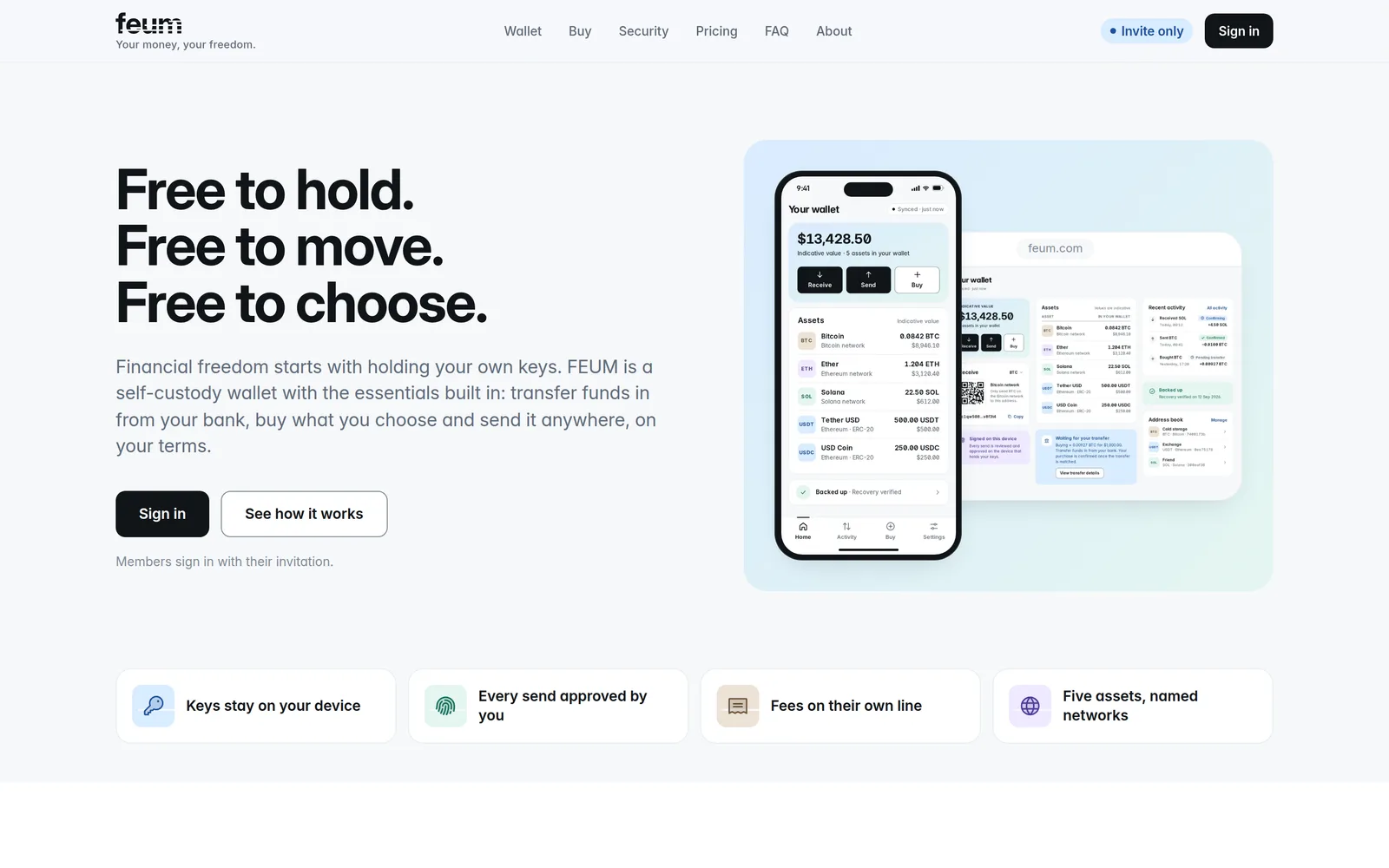
FEUM
FinanceInvite-only · paper modeMember app and owner's Command centre, with every buy and transfer behind an explicit approval and a double-entry ledger underneath.
See the build →
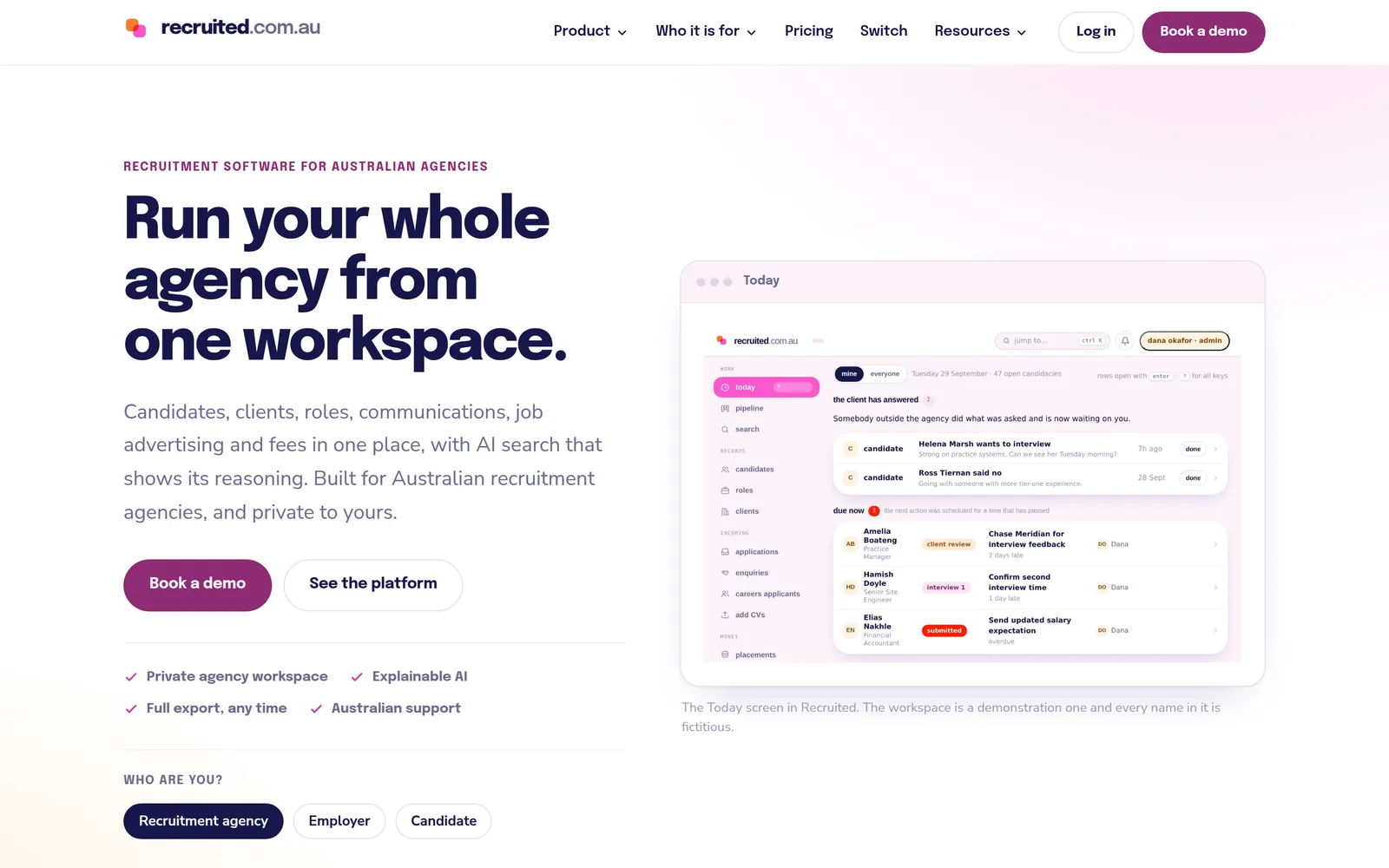
Recruited
RecruitmentLiveCRM and ATS in one workspace for Australian agencies: a Today screen, a pipeline that flags stalled candidates, and search that shows its working.
See the build →
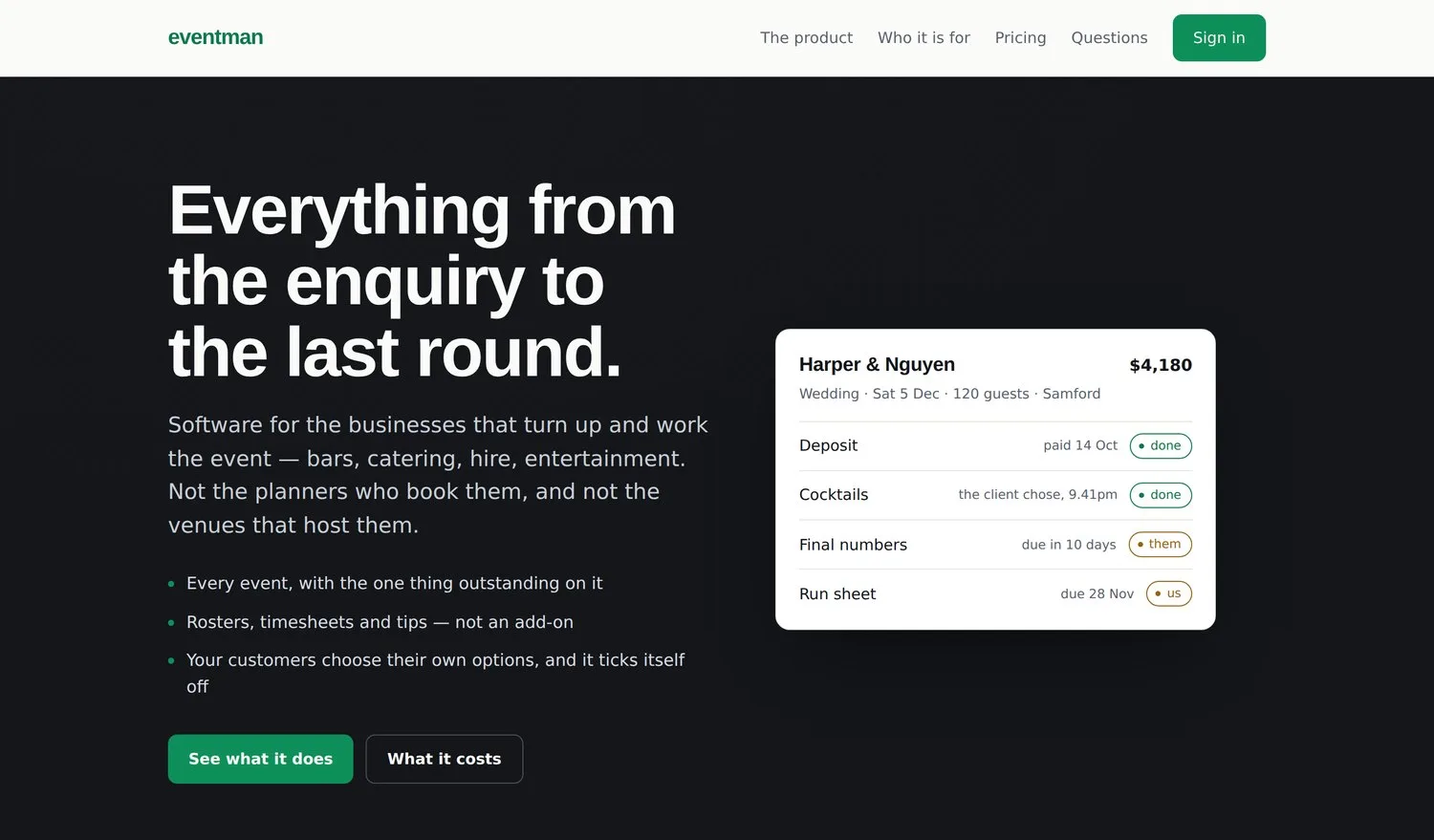
Eventman
EventsPre-launchEnquiry to last round for mobile bars, caterers and hire: an event board, crew and rosters, checklists that re-date themselves, and the money owed.
See the build →
Every capture shows demonstration data. Where a product is not yet live, it says so.
Here for marketing automation?
Lead capture, CRM and pipeline setup, nurture sequences and speed-to-lead are a different job from automating operations, and LINK Marketing does that one. This page is what happens to the work once it is won; that page is how it gets won. The join between the two - the enquiry becoming the job - is built here.
LINK Marketing.
Marketing automation consultant ↗
Speed-to-lead flows, CRM setup, email nurture and lead capture that qualifies.
Go to LINK Marketing →
Common questions.
→What is business process automation?
Taking a process a person carries out by hand - a quote, an approval, an invoice run, a new-client setup - and having software carry it out instead, triggered by the thing that should trigger it rather than by someone remembering. The useful distinction is between steps that are decisions and steps that are repetition. Only the second kind should be automated, and a good automation leaves the decision with a person and removes everything around it.
→Where do you start automating a business?
With the step that is re-keyed most often, not the one that sounds most impressive. In most businesses that is the same customer, order or set of hours being typed into two systems by one person - and fixing it is a connection between tools you already pay for, which is the cheapest automation there is. The second place is wherever a thing waits for a human to notice it: the quote not chased, the approval sitting in a text thread, the invoice raised a fortnight late.
→Do you use Zapier, Make, Power Automate or something similar?
Whatever fits, and I will not pretend to a specialism in any of them. Most of what I build is a direct connection between the systems you run, on a real database, because the work that matters most - a checklist that re-dates itself, an approval with a reason attached, a pipeline that flags a stalled job - needs logic those tools are not built to hold. Where a connector product does the job, it is cheaper and I will say so.
→Is this workflow automation, business automation or process automation?
The same work under three names, and the names mostly tell you who is selling it. Workflow automation tends to mean the hand-offs between people; process automation tends to mean a single repeatable procedure; business automation is the whole of it across an operation. What you are buying in every case is a step a person no longer does, and the useful question is which steps those should be.
→Can automation replace a product we already pay for?
Sometimes, and sometimes the answer runs the other way. LINK's own CRM, lead management and automation replaced about $40,000 a year of subscriptions across nine businesses, because no product matched how the group runs. But a business whose process is close to a product's model should buy the product - that is cheaper, and you will hear it in the first conversation. The honest version of this work includes recommending something you can simply buy.
→What about marketing automation - lead nurture, email sequences, speed-to-lead?
That is a different job, and LINK Marketing does it: lead capture, CRM and pipeline setup, nurture sequences and the follow-up machinery that turns an enquiry into a booked job. This page is the operations side - what happens to the work once it is won. The two meet at the hand-off from lead to job, and that join is part of the work here.
→What happens when the automation breaks?
The aim is that you find out from the system, not from a customer. The builds on this page are designed that way: Eventman's Today view puts overdue items first and a daily digest goes out, Recruited flags a candidate who has sat in a stage too long, and FEUM sends an uncertain order to review instead of retrying it blindly. And because the code and the logic are yours, your own developer or IT team can read it rather than waiting on a vendor's roadmap.
→Is business automation only for Brisbane businesses?
No. LINK is in Fortitude Valley, and the mapping sessions are better in person, so Brisbane businesses get those. The build itself is remote, so clients are anywhere in Australia.
Tell me the step someone does by hand every day.
This goes straight to me. You'll get a straight read on whether it is a connection, a product you can buy, or something worth building - and which one to do first.